
Your most critical engineering knowledge is probably on a USB stick. Command Centre ends that risk.
Version control for PLC logic, line-level asset visibility and compliance documentation, built for industrial automation. Not a rebranded file server.
One device record in Command Centre: support, risk and lifecycle in one place. Example data.
The questions no one can answer. Until something goes wrong.
These aren't edge cases. They're the daily reality for engineering teams across UK manufacturing. Command Centre was built to make them unanswerable for good.
Built by engineers who have been on the wrong side of all four.
Most sites have multiple copies of the same program across USB drives, laptops and shared folders. Nobody is certain which one matches what's running.
When a key engineer leaves, retires, or is simply unavailable, the institutional knowledge they carry leaves with them. There is no log. There is no record.
Documentation lives in email threads, SharePoint folders, personal drives, and filing cabinets. Finding the right version under audit pressure is stressful and slow.
Contract renewals, OEM support agreements and maintenance schedules are managed in spreadsheets or not at all. Critical support gaps go unnoticed until a fault occurs.
Your entire OT environment. Structured, visible, controlled.
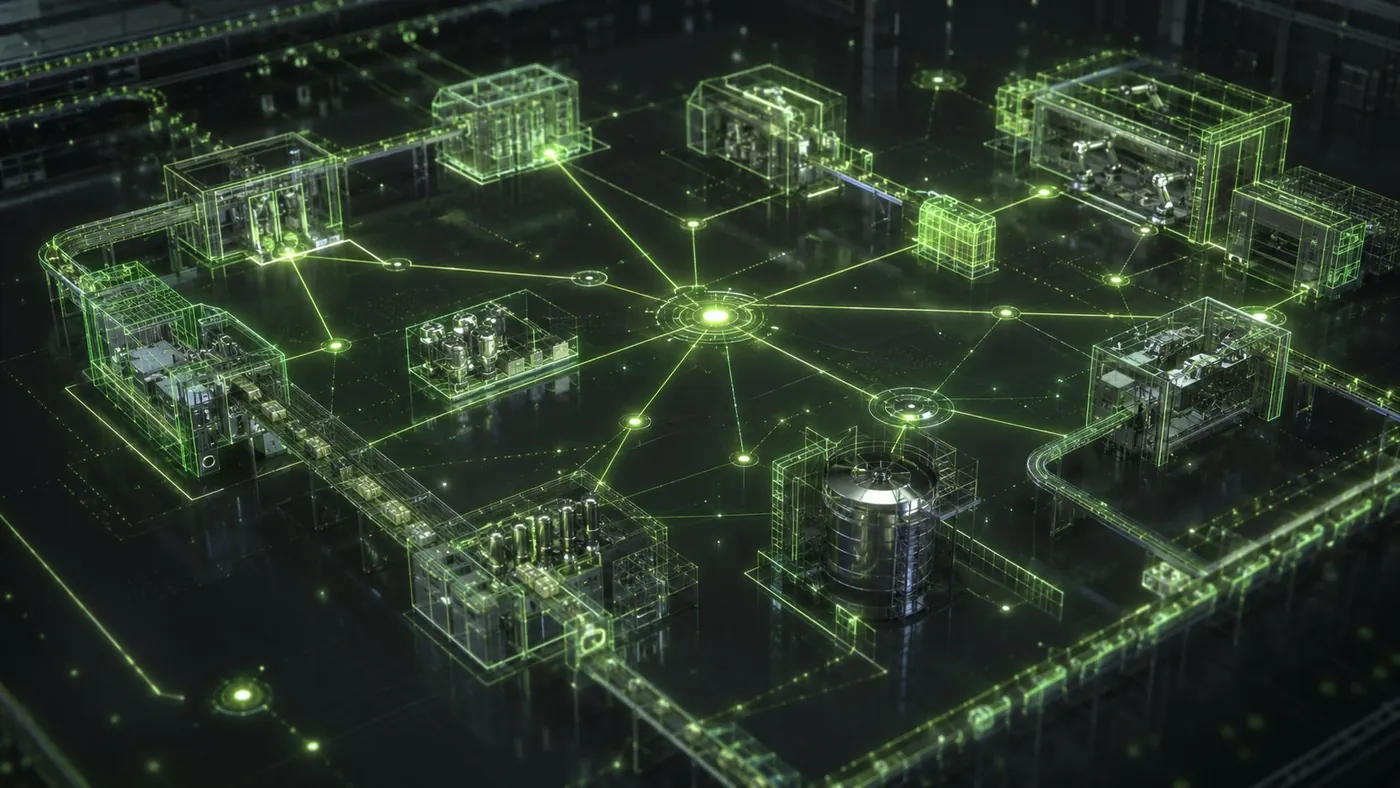
Command Centre maps your operation from customer down to individual I/O module. Every device, every revision and every engineer who touched it, structured in one place. This is what your engineers see when they open Command Centre.
Site, machine, device. Every device sits on the machine it controls, tagged with its line, with its lifecycle, support and contract status beside it.
Version control. Every program change stored against the device, with who made it and why. Lock the versions that matter; download any of them.
Audit trail. Every change and every download logged against a named user, for your own records and for your auditors.
Illustrative screens from Command Centre using example data. Customer, site, machine and engineer names are invented.
Six things Command Centre does that nothing else does.
Purpose-built for industrial automation environments. Not adapted from a generic document management system.
Your full OT environment. Mapped.
Command Centre structures your operation from customer level down to individual I/O module. Customer → Site → Production Line → Machine → Device → Module. Every device has a home in the hierarchy.
- ·Multi-site, multi-line support
- ·Device-level asset tracking
- ·Module and slot-level visibility
- ·Breadcrumb navigation across the estate
Every code change. Who made it, when, and why.
Every revision to PLC logic is logged with the engineer's name, timestamp, and a change note. If something breaks, you know exactly which revision to roll back to, and who to call.
- ·Named revision history per device
- ·Rollback to previous versions
- ·Change notes with each revision
- ·Multiple authors tracked per project
Hardware, software and cables, all linked.
Each device record contains its hardware spec, the programming software required, the exact cables needed to connect, lifecycle status, and support contract. Everything an engineer needs before they touch it.
- ·Hardware specs and part numbers
- ·Software versions linked per device
- ·Cable library with SKU references
- ·Lifecycle status and OEM support dates
The foundation Connect runs on.
Command Centre does more than store files. Every intelligent device in Command Centre can be flagged as Connect-ready. When a fault occurs, Connect uses Command Centre's data on software version, network config and prior revisions to guide the engineer's diagnosis.
- ·Per-device Connect enablement toggle
- ·Support history linked to device record
- ·Network and IP configuration stored
- ·IEC 62443 aligned access governance
Audit-ready. Always.
Every access, every change, every download is logged in the activity log. Support contracts are tracked with start dates, end dates and token allocations. The documentation needed to evidence OT governance, under the UK NIS Regulations or NIS2 if you supply into the EU, is built into the workflow.
- ·Full activity log with user attribution
- ·Contract management per site
- ·Cyber resilience audit evidence
- ·Risk assessments attached to device records
Mixed OEM environments. No problem.
Real manufacturing lines don't run one brand. Command Centre manages Rockwell, Siemens, Omron, Mitsubishi, Proface, Schneider, Beckhoff and more, all in one place, with the right software and cable referenced per device.
- ·Rockwell / Allen-Bradley
- ·Siemens S7 and TIA Portal families
- ·Omron, Mitsubishi, Schneider, Proface
- ·Beckhoff, Baumuller, IMO, Parker
// lifecycle Command Centre checks every device against manufacturer lifecycle status. See the stages and the parts ECS tracks in the discontinued automation parts index.
Built for sites where the production network is off limits.
Most IT teams' first question is what Command Centre needs from their network. The answer is very little, and nothing standing. ECS will walk your IT or OT security lead through the data collection, access model and governance before anything is set up.
No scanning of your production network
Command Centre is filled from a Capture site visit, an approved export from your own systems, or a controlled upload. It never needs discovery scanning or open access to the factory floor.
Remote access only when you authorise it
Where Connect is added, each session is authorised before it starts and closed when support ends. TLS 1.3 throughout, no always-on VPN, and no standing access between sessions.
Your data stays yours
Asset records, program backups and documents belong to you. You can export them at any time, and if a contract ends you get a structured export of everything held before access is removed.
Command Centre and Connect are designed around IEC 62443 principles. They are aligned with the standard, not certified against it. What that means in practice.
Security in full: data, access and IEC 62443Part of the ECS production resilience system.
Command Centre doesn't sit alone. It's the operational data layer that every other ECS capability connects to. The more you put into Command Centre, the more value everything else delivers.
When a Connect session is initiated, the ECS engineer immediately sees the device's software version, last revision, cable requirements and network config. Command Centre turns a remote session from guesswork into a structured intervention.
Explore Connect →When ECS delivers a project, whether a new panel, a software upgrade or a commissioned line, the as-built documentation and device records are added to Command Centre automatically. Your asset register is always current.
Explore Projects →Shift Hero engineers deployed to a Command Centre-enabled site can access the relevant device records, software versions and documentation before they set foot on the floor. No onboarding delay. No knowledge gap.
Explore Shift Hero →Enter it yourself, or let ECS capture it. Add an engineer when you need one.
Command Centre works either way. The difference is whose data it is and who stands behind it.
Your data
Your team enters and maintains the data, after a short onboarding call to get you set up and live. Right for teams who already know their estate and want somewhere structured to keep it.
£300 / site / month
ECS data
Begin with Capture. ECS engineers walk the site and load every device, photo, backup and document. Verified on entry, and the version ECS stands behind.
£300 / site / month + Capture, quoted
An engineer on call
Add Connect to either tier and an ECS engineer can be inside the PLC remotely, 24/7, with the device history from Command Centre in front of them.
Packages sized to your site
Full pricing, Connect packages and the Live trial →
| Self-serve | Audited | + Connect | |
|---|---|---|---|
| Who enters the data | Your team | ECS engineers, on site | — |
| Data verified by ECS | No | Yes | — |
| Starting point | Empty platform, your team populates it | Capture site audit, estate pre-loaded | — |
| Photos, backups, documents, credentials held in platform | Yes | Yes | — |
| 24/7 remote engineer in the PLC | — | — | Add-on to either tier |
Stop relying on people to remember. Start knowing.
Every manufacturer we work with has the same realisation after seeing Command Centre: the risk they were carrying was bigger than they thought. Book a demo and we'll show you what a structured OT environment looks like. See how it played out in a pharmaceutical audit-readiness case study, or find your sector.