
Every hour a PLC fault goes unresolved costs you production.
Connect puts an ECS engineer in the PLC, remotely.
Remote access to ECS automation engineers, round the clock on 24/7 and Critical cover, added to Command Centre so the engineer arrives with your device history already in front of them. Recorded average time to connect is around 15 minutes, with an average resolution around an hour; actual times depend on the site, the equipment and the fault. Cross-brand PLC expertise. No always-on VPN. A tablet, a cable, and an engineer who knows what they're looking at.
Modern production lines aren't simple.
They evolve.
Every year brings different machines, PLCs and suppliers, all supported by a small number of people who know how it fits together.
This works.
Until it doesn't.
When a key engineer leaves, the knowledge leaves with them. When an OEM can't respond for 48 hours, the line stays stopped. When documentation is out of date, diagnosis becomes guesswork.
None of this is unusual. It's the daily reality for most UK manufacturers running automated production. The industry has learned to live with it. ECS was built so you don't have to.
A technical fault is never just a technical fault.
The fault itself is rarely the hard part. It's the time between the fault and the fix that does the damage. Every minute the line is stopped, the numbers below get worse.
Two minutes. This is what Connect looks like.
From fault to fix, the full Connect process shown in a real manufacturing environment. Produced by Posh Gecko.
Fault to fix. In six steps. Under an hour.
The process is built around one principle: getting the right knowledge to the right engineer through a controlled, secure pathway, so nothing depends on improvisation.
Something stops the line.
A PLC fault, an unexpected trip, an alarm that won't clear. The on-site engineer identifies the problem machine and initiates a Connect session. No technical knowledge required to do this.
Authorised session. Not just a VPN.
Connect establishes a non-persistent, session-based connection. It exists only for the duration of the support session, with nothing running before or after. Auditable, aligned with your security policies, and designed for IT sign-off.
Tablet plugged in. That's it.
The on-site engineer connects the Connect tablet to the device. That is literally the extent of their technical involvement. They don't read PLC code. They don't diagnose anything. They plug in and wait for instructions.
ECS engineer arrives informed.
The moment a session opens, Command Centre surfaces the device context: software version, revision history, cable configuration, network details, who last worked on it and what they changed. The ECS engineer doesn't start from scratch. They start from knowledge.
Diagnosis. Resolution. Verbally guided.
The ECS engineer sees the PLC, the ladder logic, the fault codes, the I/O status. Where physical action is needed, such as resetting a latch, checking a panel, they direct the on-site engineer verbally. It's collaborative engineering. Not automated recovery.
Line restored. Everything documented.
Session closes. The fix is logged in Command Centre as a new revision recording what changed, who did it and why. The on-site maintenance record is updated automatically. Next time this device has an issue, there's a full history to work from.
One session. Both ends. Nothing left open.
On site, the tablet plugs into the PLC by cable and opens a secure session up to the cloud. The ECS engineer joins the same session from their end, working in the PLC through the tablet while Command Centre supplies the device history. When the fault is fixed the session closes, and nothing stays connected to your network.
One line stopped. Two very different views.
On site, anyone can run a Connect session. Plug in the tablet and follow the verbal instructions. The engineering knowledge sits entirely on the ECS side, which is what makes it workable for a maintenance team at 2am.
This is the entire on-site experience. A status screen, the engineer's name, and instructions as they come. No PLC code. No configuration panels. No specialist knowledge needed.
I:0/4
E-Stop_Latch
I:0/5
Reset_PB
O:0/2
Run_Enable
The ECS engineer sees everything: the PLC, the fault code, the ladder logic and the I/O status, all in the context of the Command Centre device record. Diagnosis is based on facts, not assumptions.
Illustrative interface using sample data. Sites, devices and engineers shown are examples, not live customer information.
Designed for IT sign-off. Not just engineering approval.
The biggest blocker for remote OT support tools is rarely engineering. It is IT governance. Connect was built with both stakeholders in mind. The session model, the audit trail, the IEC 62443 alignment all exist because we've had those conversations before.
There is no always-on VPN. No background access. The connection exists for the duration of the session, authorised when needed, closed when done. Your IT team will thank you.
Every connection is recorded: who initiated it, which device, which engineer, when it started, when it closed and what changed. Full audit trail available to your IT team on demand.
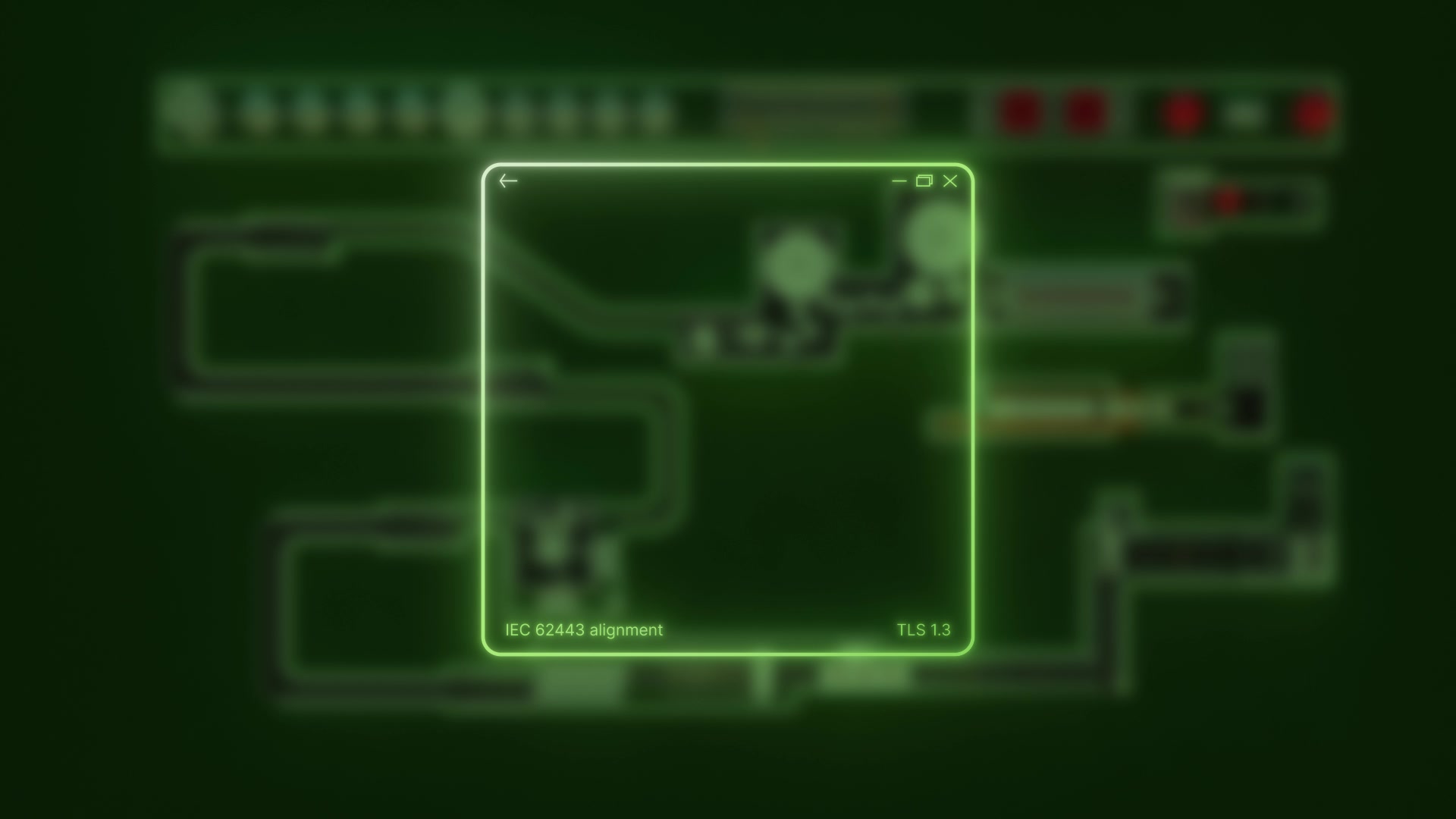
Connect's access architecture was designed in alignment with IEC 62443 principles from the start. Controlled access, network segmentation awareness, governance-first remote connectivity. Not a consumer remote tool adapted for OT.
Connect reduces unknown devices on your network and improves OT visibility rather than adding to the problem. Every authorised device, every session, every connection pathway is visible to your team.
Controlled support hardware.
Temporary access. No always-on VPN.
Connect is designed for cautious OT environments. The questions your IT and OT security teams will ask have already been built into how it works.
ECS-managed support hardware. Not an open VPN.
Connect is delivered through an ECS-managed support device configured specifically for industrial environments. This is not a personal laptop or consumer tablet being plugged into your network. It is a controlled device used only for authorised support sessions.
Temporary access. Your IT team stays in control.
Sessions are authorised before they start and closed the moment support ends. There is no persistent connection into your plant. Each session is scoped to what the engineer needs and nothing more. Your IT and OT teams can review the process before any connection is made.
Full session audit trail. Every time.
Every Connect session is logged: who initiated it, which device was accessed, what changed and when the session closed. These logs are available to your team and can be retained as part of your OT governance and audit evidence.
Designed for cautious OT environments.
We have had the IT governance conversation before. Connect was built with both engineering managers and IT security teams in mind. If your organisation needs to review the support device configuration, access control process or session architecture before deployment, we support that.
Your IT team can review the process before deployment.
If you need to see the support device specification, access architecture or session controls before committing to a Connect trial, we will walk you through it, with no pressure.
What your operation looks like with Connect running.
Faster fault resolution means less production time lost. Fewer late nights. Fewer missed targets.
Cross-brand expertise removes the single-supplier bottleneck. Siemens fault? Rockwell line? We cover both.
Remote-first support eliminates unnecessary site visits. Fewer van journeys. Lower carbon footprint.
Fewer contractor callouts means fewer unfamiliar people on site. Your H&S team will notice.
Every session is documented in Command Centre: what changed, who did it and why. The system remembers so your people don't have to.
IT-aligned, auditable, non-persistent. Governance that satisfies your IT manager and your operations director simultaneously.
10 brands. 30+ environments. One support contract.
Your line didn't evolve around one OEM. Neither did we. Connect covers the full landscape of UK industrial automation, including every major PLC brand, every major programming environment, in one managed service.
Your next PLC fault is already coming.
Be ready for it.
Every manufacturer running PLCs is one fault away from a 48-hour wait. Connect changes that calculus permanently. Book a demo and we'll show you exactly how it works for your environment: your PLC brands, your site, your team.
Line down right now? See emergency engineering support. Or read how Connect performed in a real OEM-callout case study.